Overview
CupCube AdminLab is a secure and extensible admin dashboard built with CodeIgniter 4, featuring user management, roles, permissions, and essential admin modules.
Key Features
- Secure login, password reset
- User listing with filters
- User CRUD operations
- Role-based access (RBAC)
- Responsive admin UI
- CSRF & XSS protection
- File uploads
- Activity logs
System Requirements
- PHP 8.1+
- MySQL 5.7+ or MariaDB 10+
- Apache / Nginx (mod_rewrite required)
- Extensions: intl, mbstring, curl, fileinfo, openssl, json
- allow_url_fopen = On
Folder Structure
/
├─ app/          # application code
├─ public/       # web root
├─ writable/     # logs, uploads, cache
├─ install/      # database.sql
├─ vendor/       # composer dependencies
├─ env           # rename to .env
└─ composer.json
Installation
- Upload all project files to server.
- Create a database and grant privileges.
- Import
install/database.sql. - Rename
env→.env. - Update base URL + DB settings.
- Set writable permissions on
writable/.
Environment example
app.baseURL = 'https://yourdomain.com/'
database.default.hostname = localhost
database.default.database = your_db
database.default.username = user
database.default.password = pass
Admin Login
| URL | /admin/login |
|---|---|
| admin@example.com | |
| Password | admin |
Change immediately after login.
Screenshots
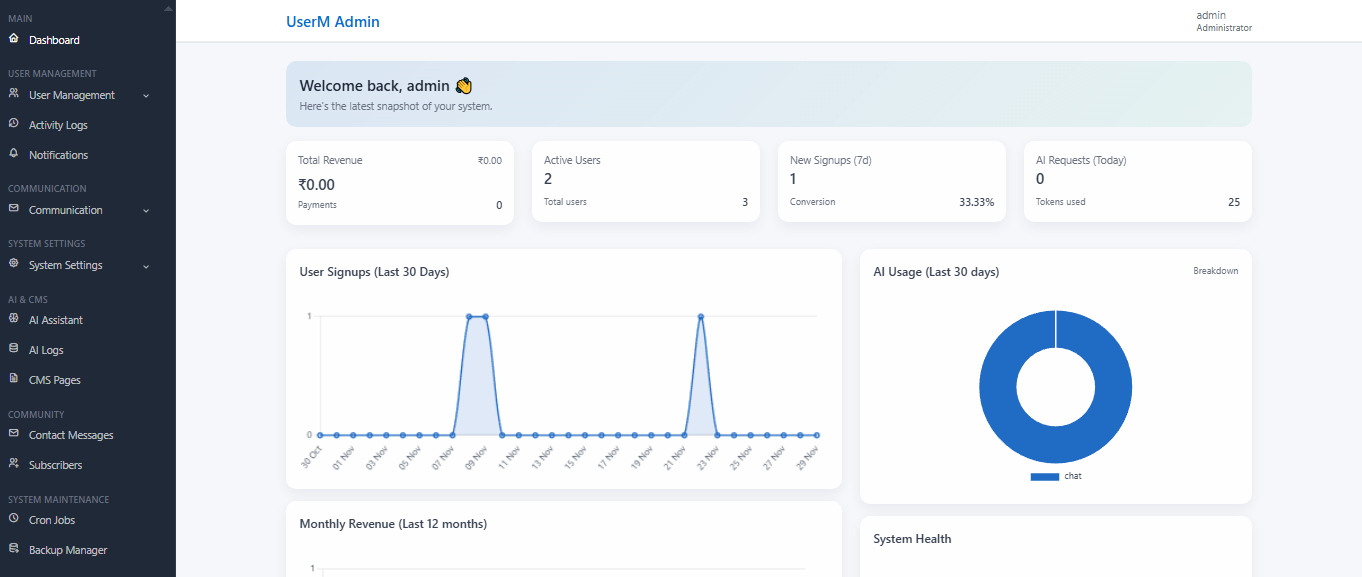
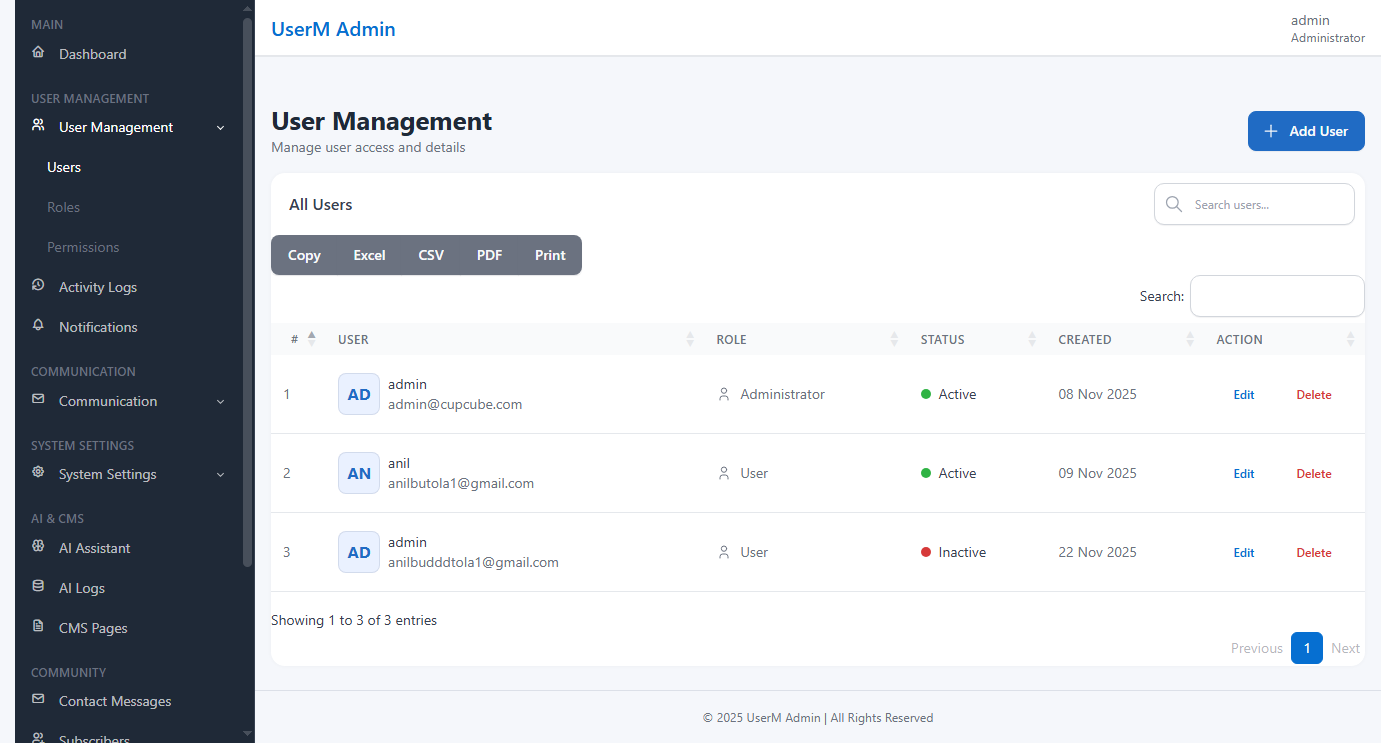
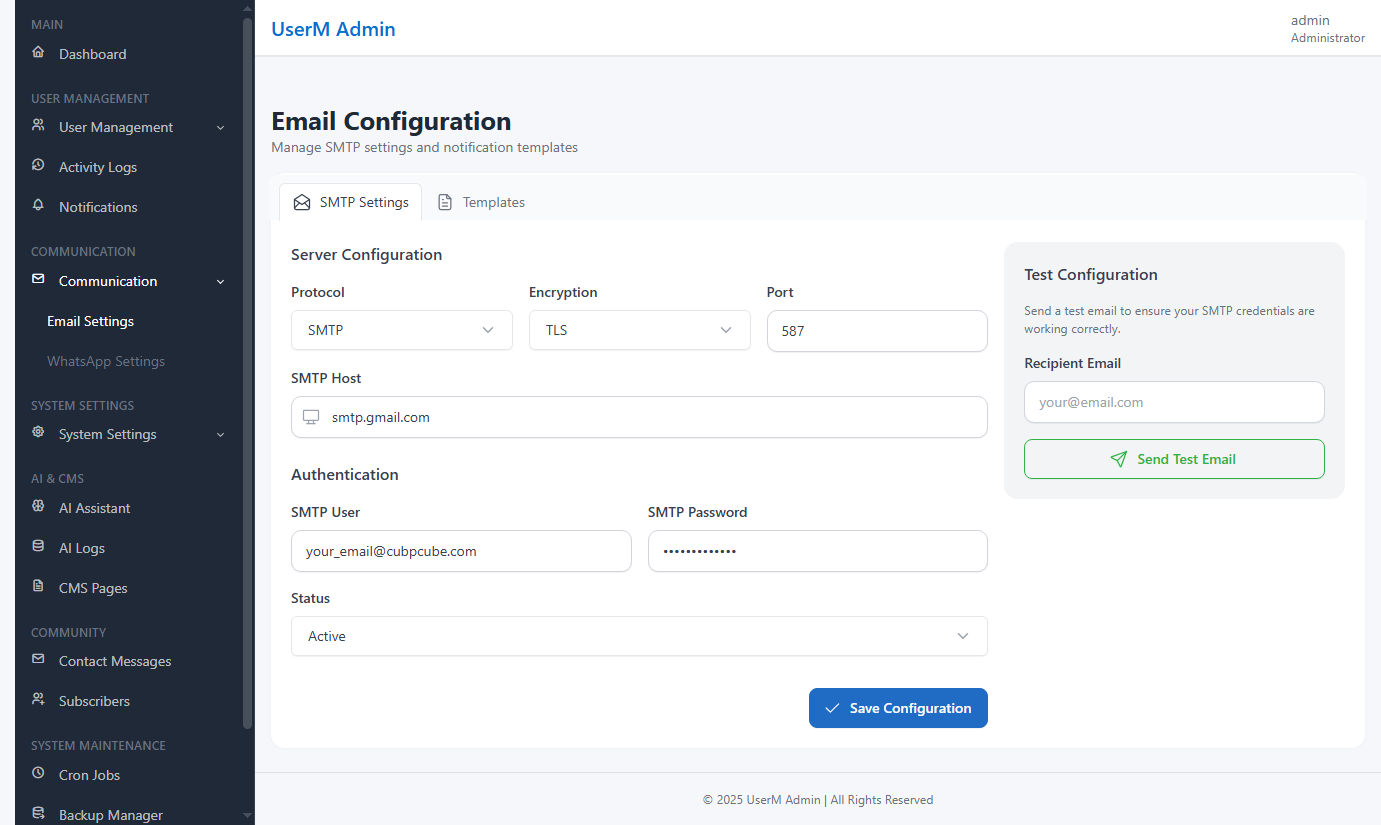
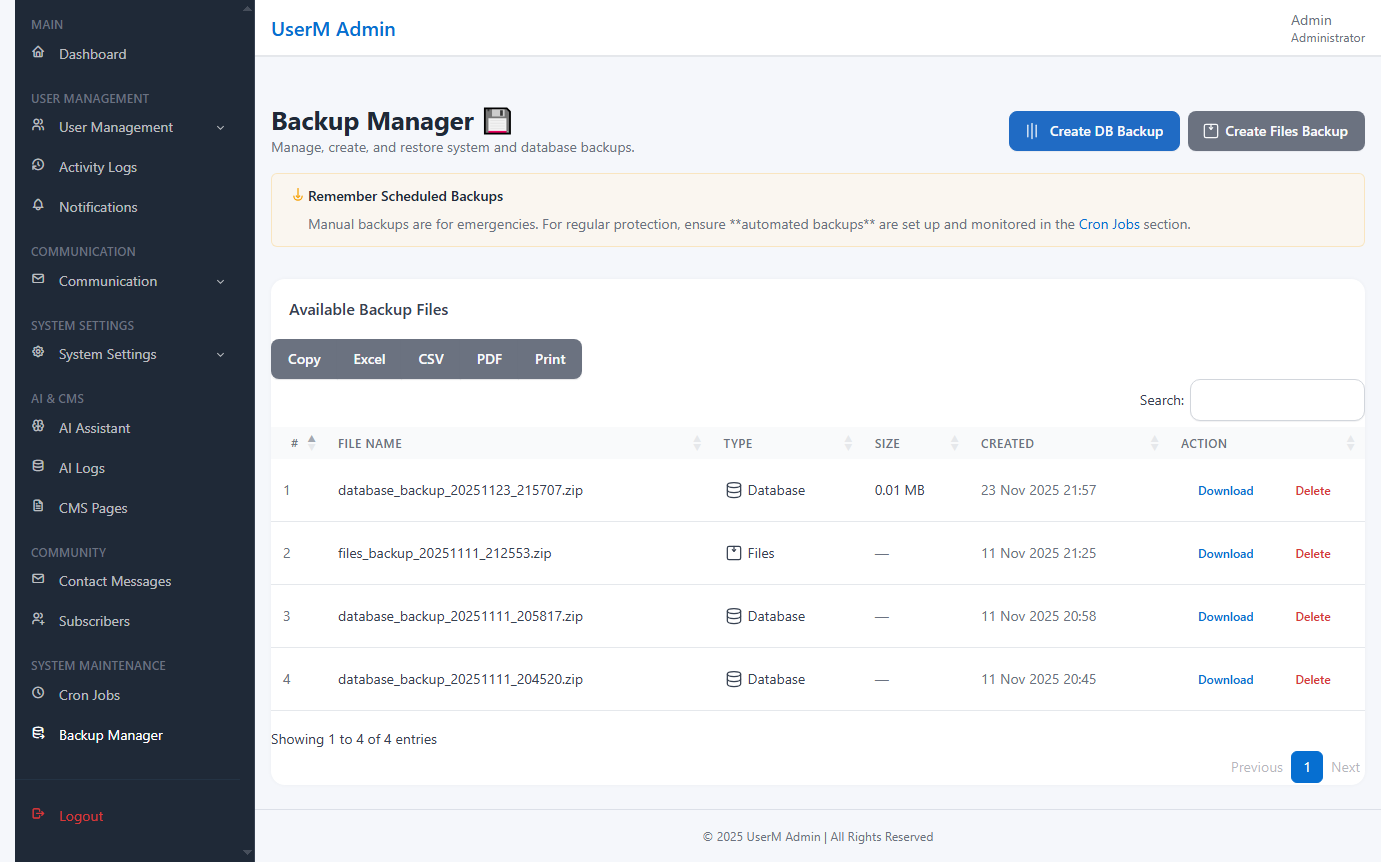
Troubleshooting
| Issue | Fix |
|---|---|
| 404 errors | Document root must load public/. |
| DB connection failed | Check .env credentials. |
| Broken CSS/JS | Ensure app.baseURL ends with '/' |
CodeCanyon Submission Notes
- Provide install SQL file.
- Add 6–10 clean screenshots.
- Create clear documentation (this file).
- Remove hard-coded credentials.
- Set CI_ENVIRONMENT=production in final package.